Country Rankings
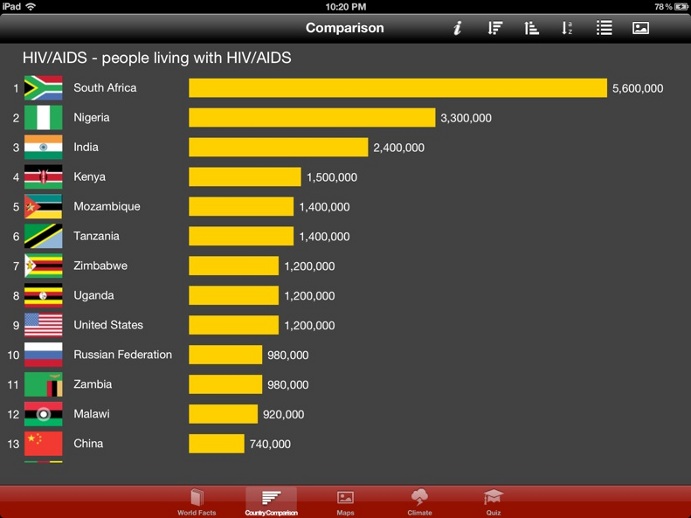
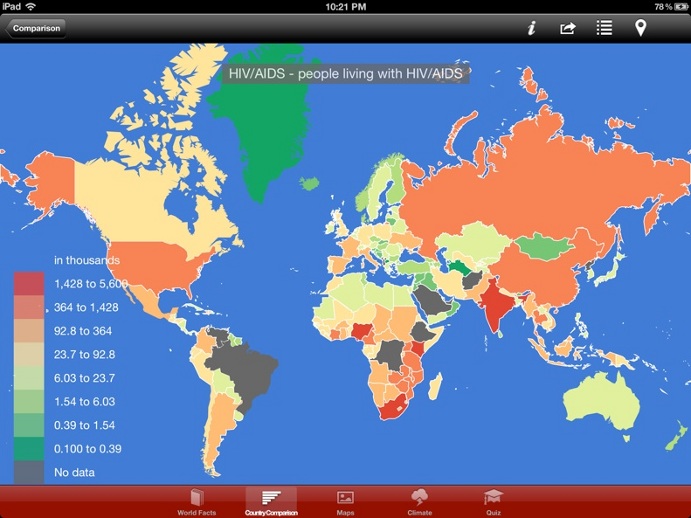
All statistics from the fact book is visualized with interactive charts and maps. Select the Country Comparison tab from the tabbar to access the country comparison page. Scroll the chart to see all countries. You can sort the data in ascending or descending or alphabetic order by tapping on the corresponding sort icons in the toolbar. Switch to other indicators by selecting them with the 'Table of contents' icon in the toolbar. Tapping on the 'Map' icon will bring you to the geographic representation of the same data.